Quotes & payments
Agree the price before the work starts.
Price a job properly, send it, and let the customer accept it in their own time. An accepted quote carries its figures into the booking so nobody retypes them.
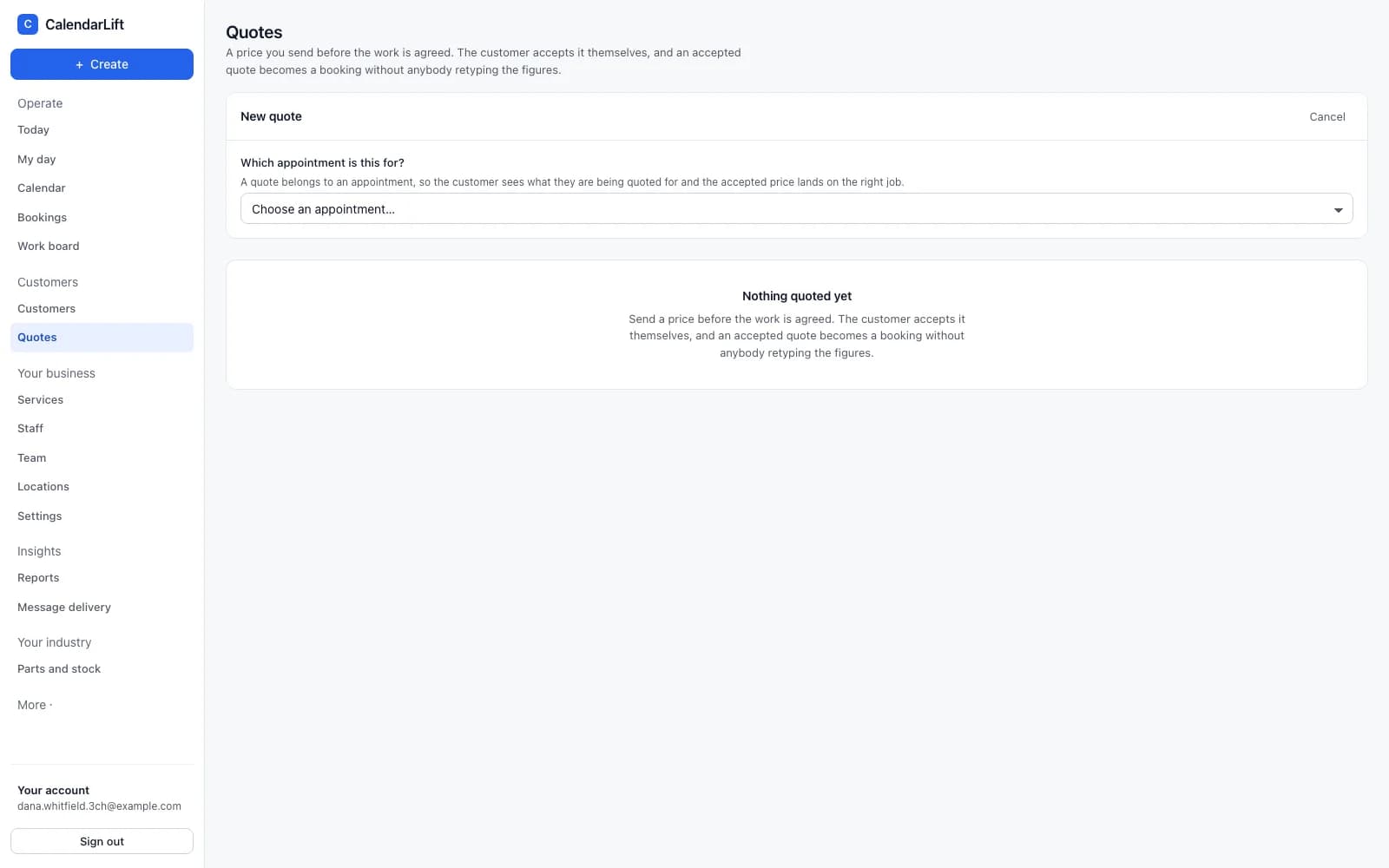
A quote the customer can read
They open their own page — no account, no password — and see the breakdown, your terms and what happens next. They accept or decline it themselves, and you are told either way.
- It expires. Set how long the price holds, and it lapses on its own rather than being honoured a year later.
- Agreed on the telephone? Record their answer yourself, with a note of who agreed it.
- It prints. A quote is a document, and some customers still want one on paper.
Your Stripe account, your money
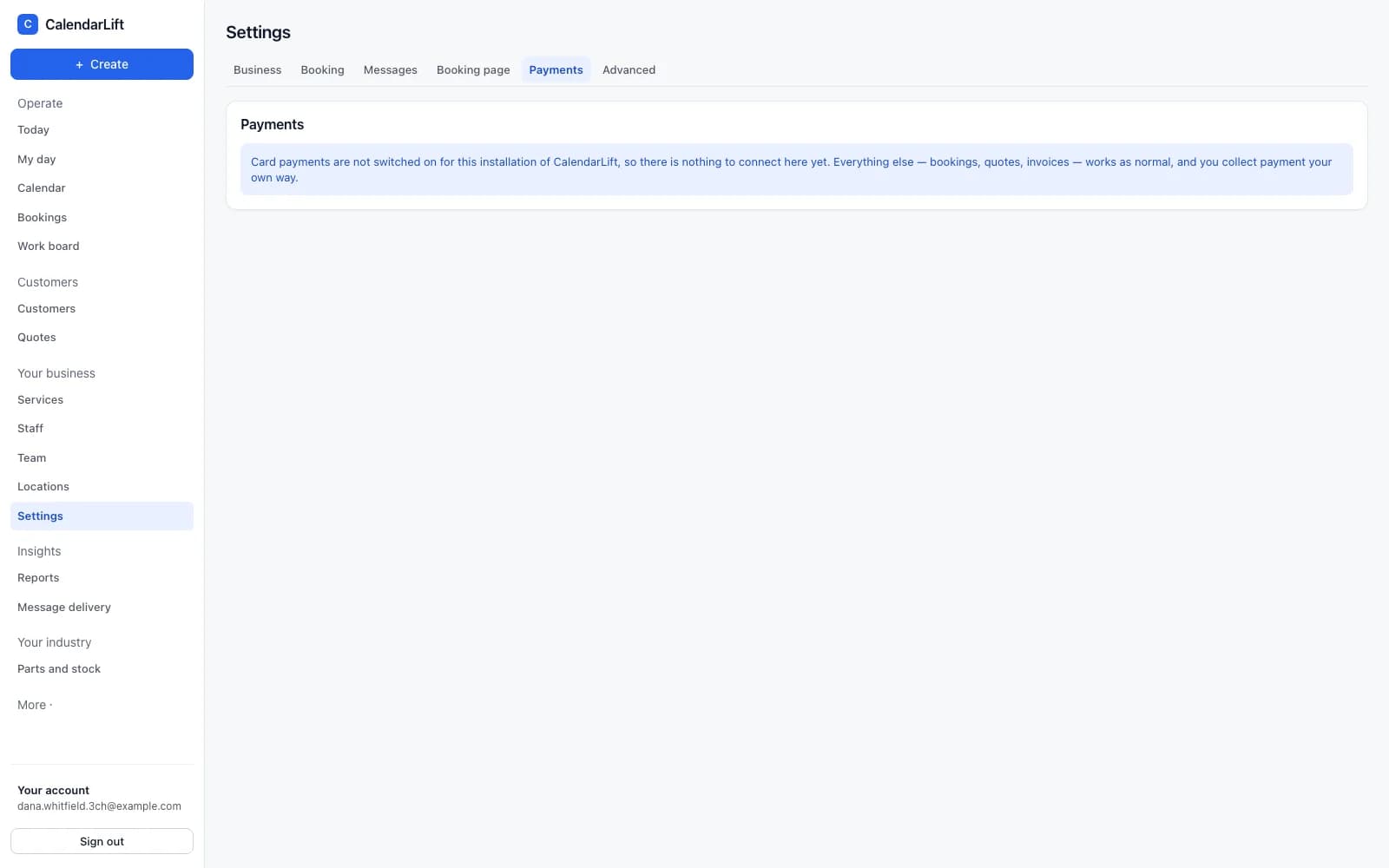
Connect your own Stripe account from Settings. Customer payments go into it directly — CalendarLift never holds your money and never sits between you and it.
- Deposits or the full amount. Ask for a deposit to hold a slot, or take payment outright.
- It says where it stands. Connected, still being checked by Stripe, or needing something from you — in plain words.
- Or not at all. Leave it switched off and take payment your own way. Everything else works the same.
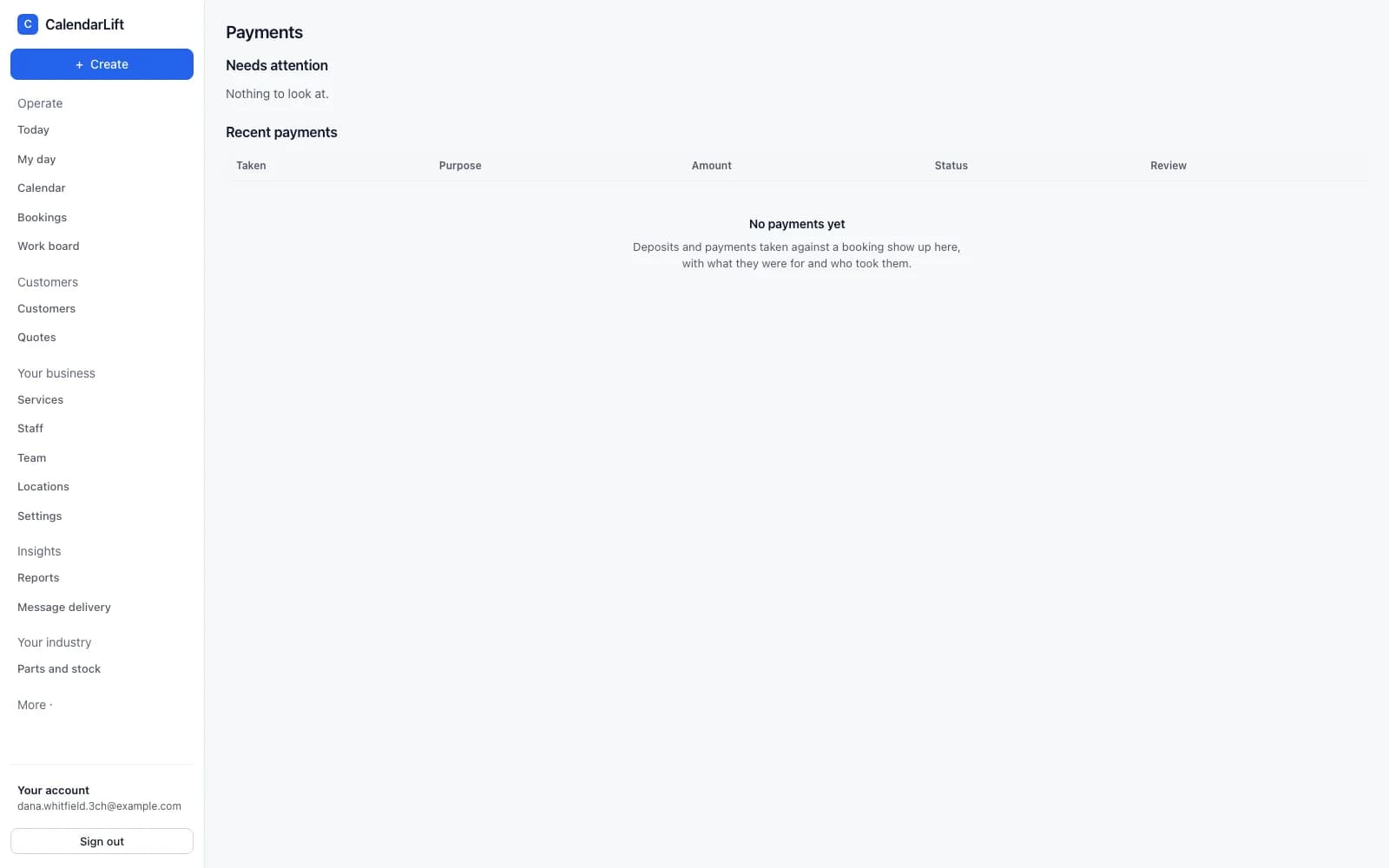
What has been paid, and what has not
Every payment is recorded against the booking or quote it belongs to, with its own state. Anything that needs a person — a deposit that arrived after the slot was released, a disputed charge — is raised rather than left in a list.
See it with your own prices.
Show us a job you quote regularly and we will set it up the way you would send it.