Scheduling
Bookings that fit the way you actually work.
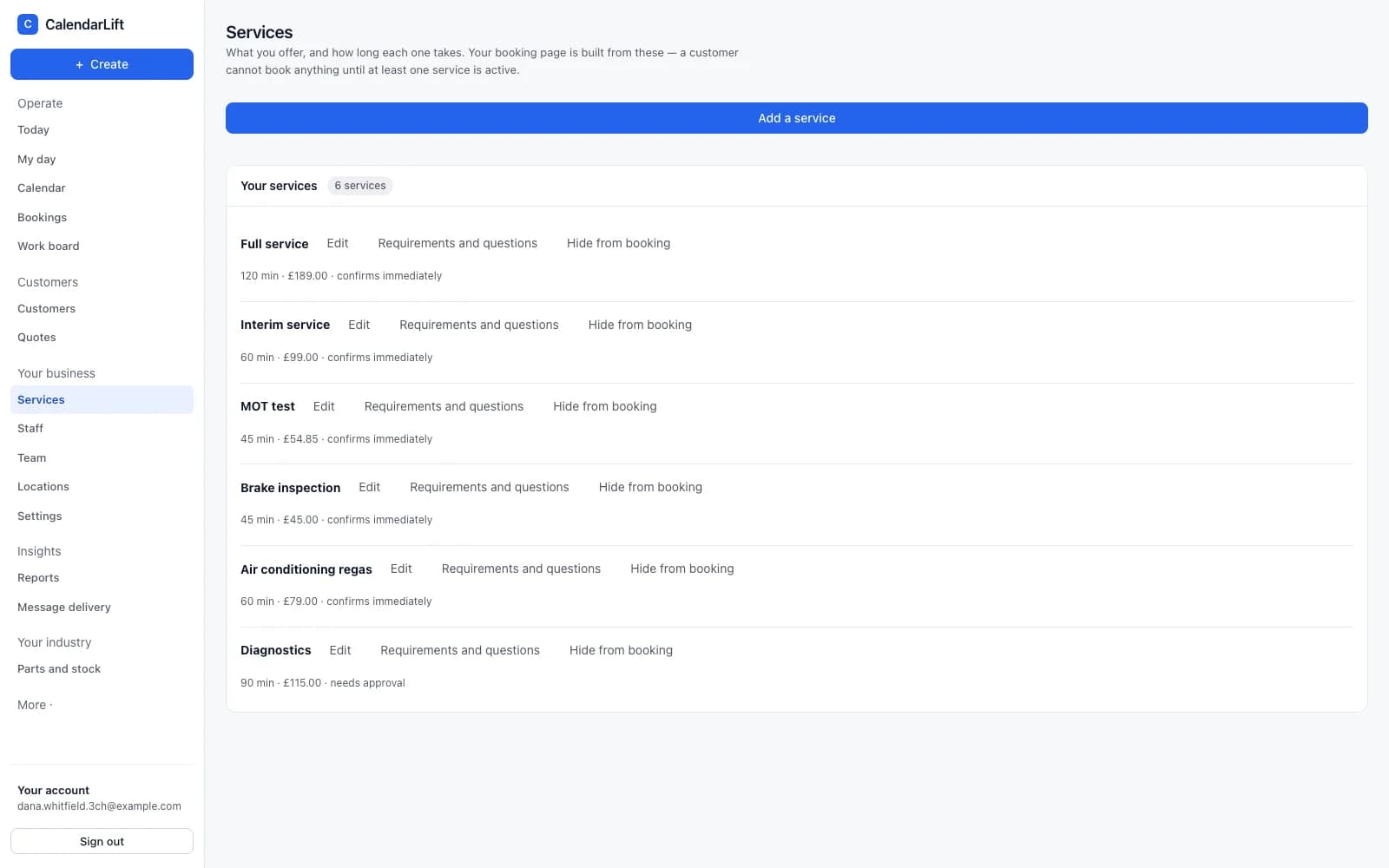
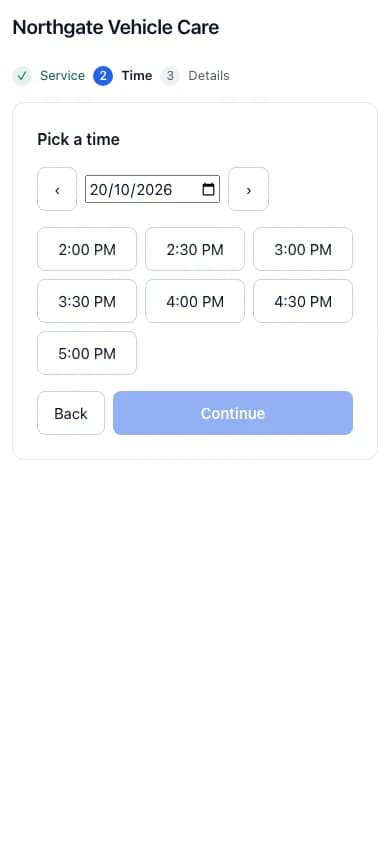
Availability is calculated from your rules — hours, people, equipment, how long a job takes, how much notice you need. A customer is only ever offered a time you can keep.
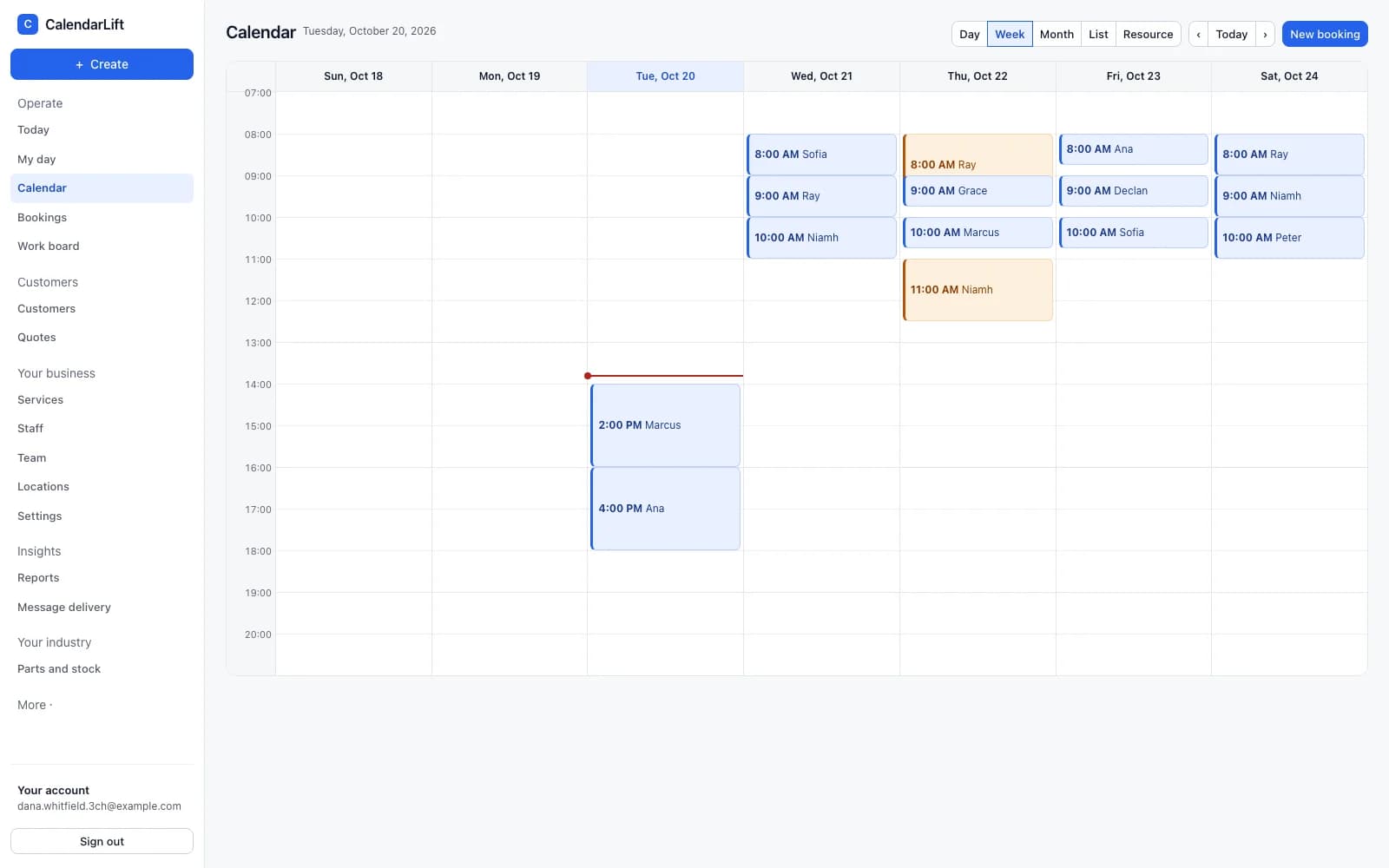
One answer about what is free
Your calendar, your booking page and your embedded form all ask the same engine. There is no second set of rules that can disagree with the first, which is how a slot gets sold twice.
- Checked again at the last moment. Availability is re-tested when the booking is committed, not only when it was offered.
- Buffers and preparation. Time before and after a job that nobody else can be booked into.
- Notice and horizon. How soon somebody may book, and how far ahead you are open.
People, equipment and places
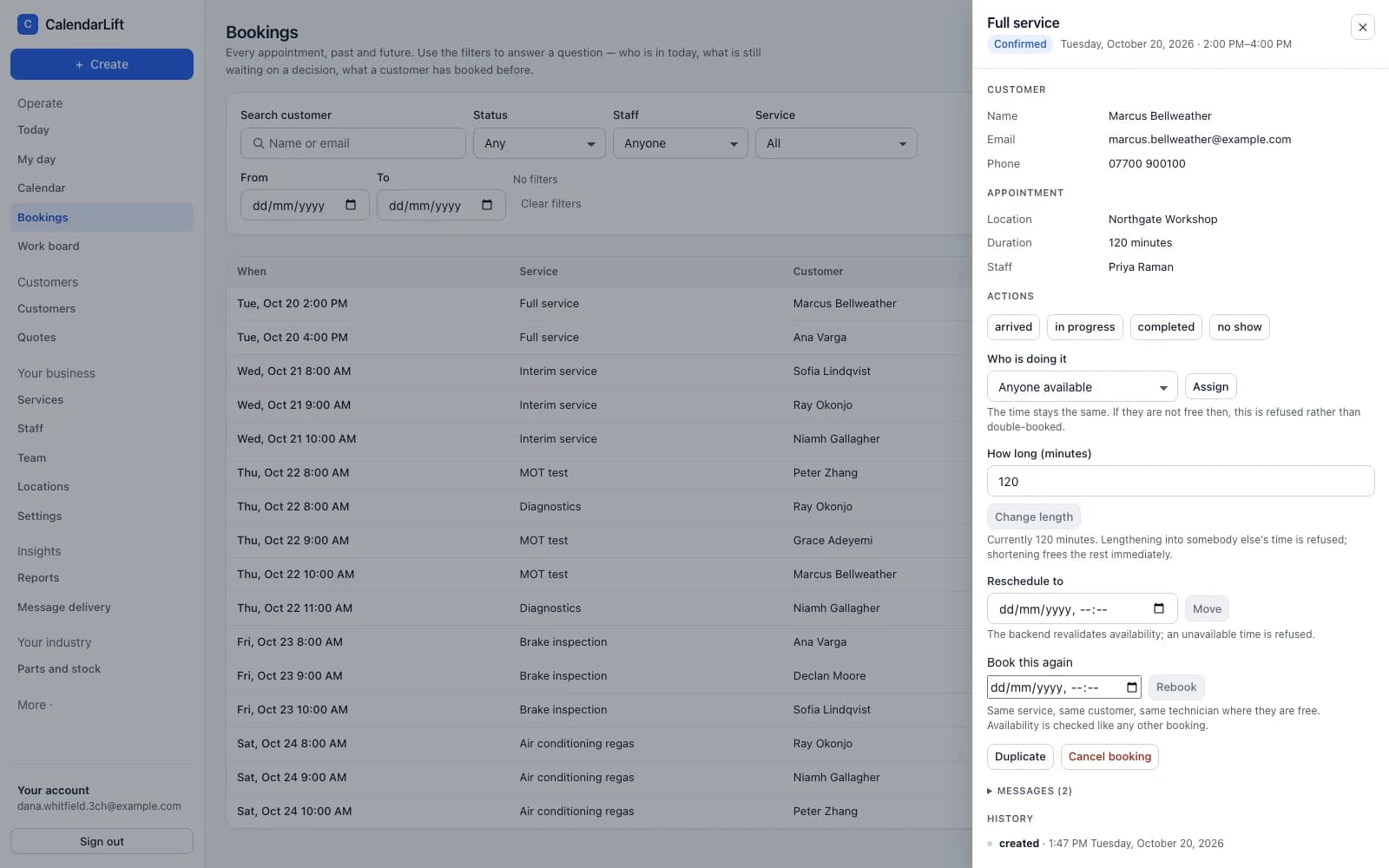
A job can need a person, a bay, or both. Staff and resources are separate things in CalendarLift because they are separate things in a workshop.
- Who can do what. A service is offered only by the people trained for it.
- Where it happens. At your place, at the customer’s address, or remotely — and the booking form asks accordingly.
- More than one location. Each with its own hours, staff and services.
Changes without telephone calls
Drag an appointment to a new time and the engine either accepts it or refuses it with a reason. Customers get their own link to move or cancel within the rules you set.
See it against your own week.
Tell us what your business does and we will show you CalendarLift set up the way you would actually run it.